STEP 4: Disk Cloning
tip
This step may be skipped for any number of reasons:
- You don't have a destination storage large enough to store the disk image clone
- The physical disk is only being mounted for quick on-the-spot analysis
note
The of="<OUTPUT>" argument may be either a file, or a destination block device that you wish to overwrite
- Use the
dc3ddtool to clone the entire disk while displaying progress, and verifying the SHA512 checksum of the source and destination:sudo dc3dd if="/dev/<DEVICE>" of="<OUTPUT>" hash=sha512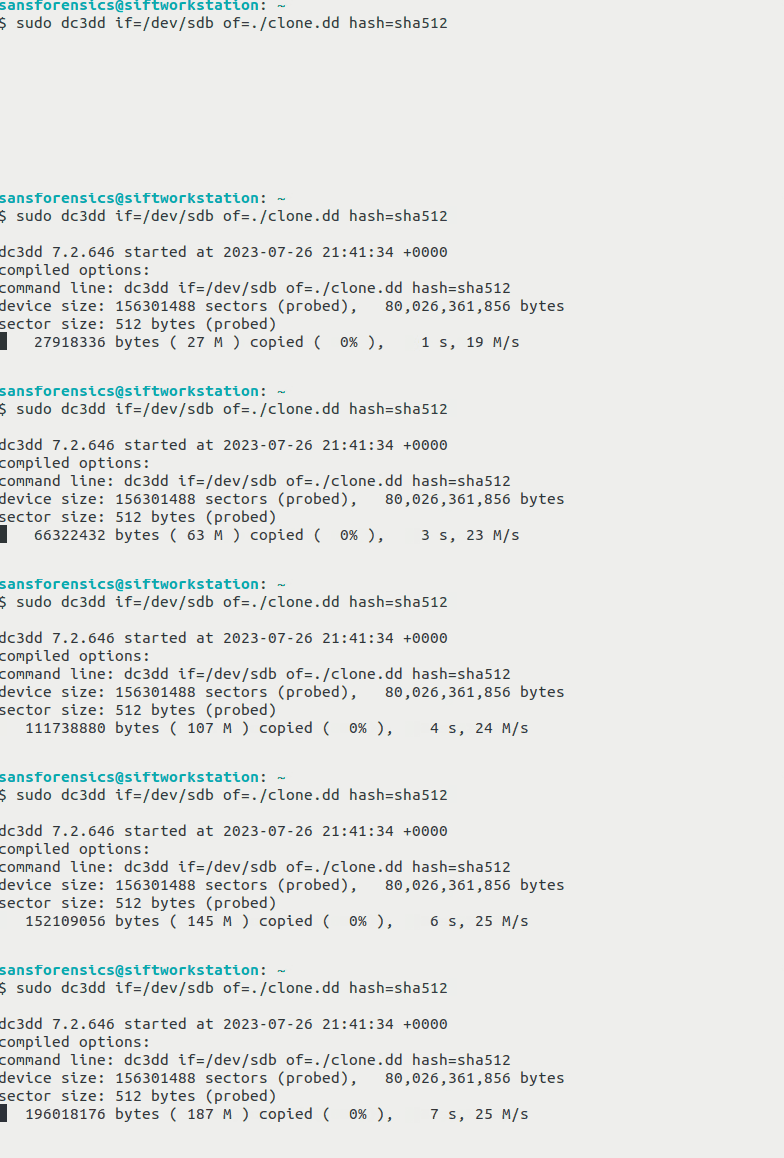
note
If you are on a system that does not have the dc3dd tool, you can perform the equivalent procedures with the following commands:
sudo dd if="/dev/<DEVICE>" of="<OUTPUT>" conv=noerror,sync status=progress
sha512sum "/dev/<DEVICE>"
sha512sum "<OUTPUT>"