GIT_README
This repository contains all 262COS/DOK developed and/or vetted SOPs (Standard Operating Procedures), Aids, Checklists, and other Crew Aid related materials.
262COS Crew Aids are primarily formatted in Markdown to be rendered in HTML and hosted locally on the MIP via Docusarus (https://code.levelup.cce.af.mil/262-cos/docker/docusaurus):
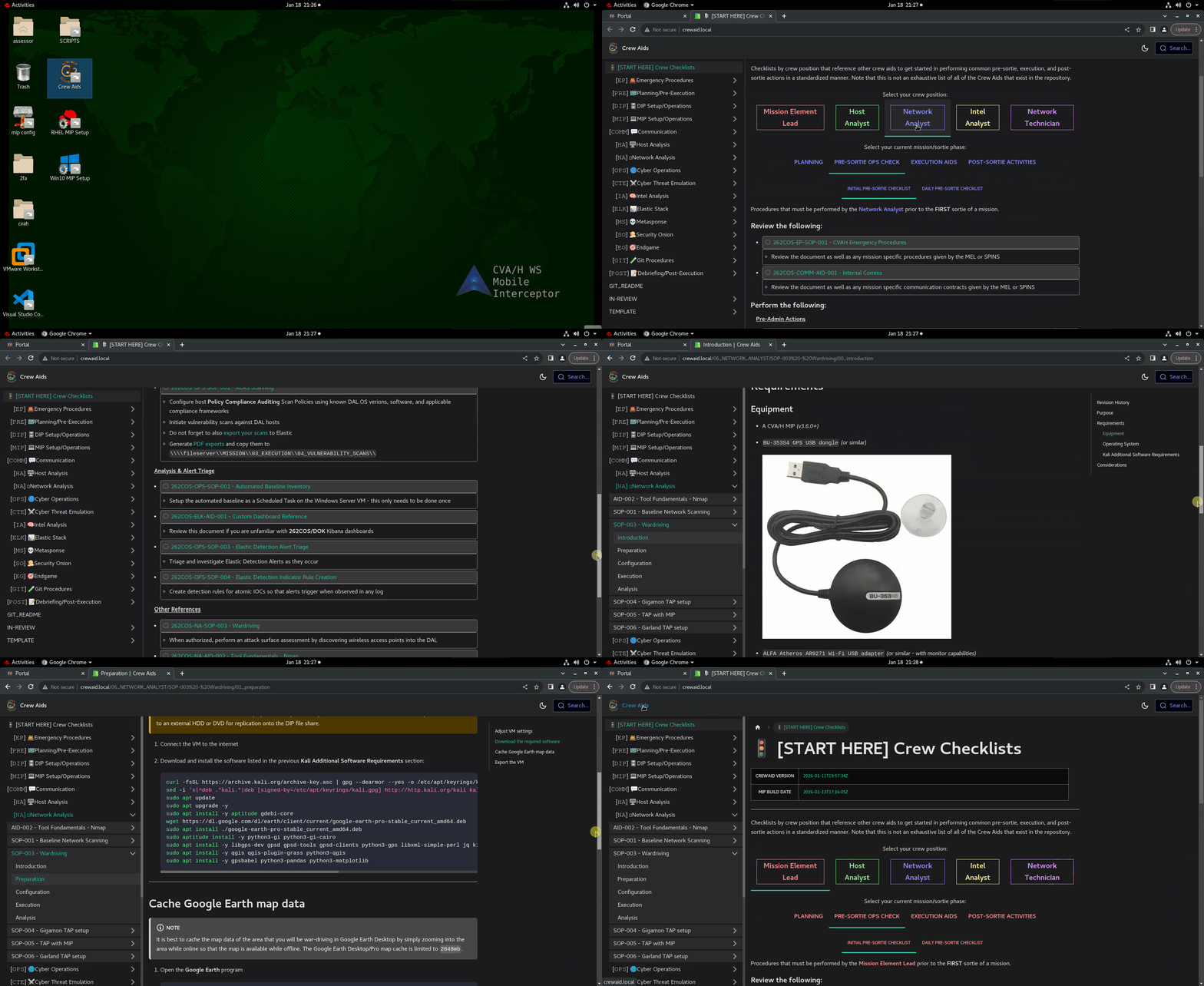
The Markdown formatted Crew Aids are also processed by the CI/CD pipeline to be auto-generated as individual PDFs (PDF-Crew-Aids) and a static HTML website package (Crew-Aid-Website) under this project's package registry.
Crew Aid Labeling Standard
All 262COS crew aids vetted by 262COS/DOK follow the labeling standard outlined in this section.
PDF/MS Office File Labeling Standard
Full Label Format: <REFERENCE_CODE>_<TITLE>_<VERSION_DATE>
PDF Filename Example: 262COS-DIP-SOP-001_CVAH_3.7_DIP_Setup_2022.11.06.pdf
- This example label signifies that the document is a Standard Operating Procedure (SOP) developed by the 262COS that focuses on the DIP and was last updated on November 6th, 2022. The title identifies that this SOP contains procedures for setting up a CVA/H 2.6 DIP with a custom 262COS configuration.
Markdown File Labeling Standard
NOTE: This example markdown file structure equates to the label
262COS-DIP-SOP-001. The GitLab CI pipeline will parse the structure and convert this SOP into a PDF named262COS-DIP-SOP-001_CVAH_3.7_DIP_Setup_2022.11.06.pdf- assuming that the first page "00_introduction.md" has a revision table, or262COS-DIP-SOP-001_CVAH_3.7_DIP_Setup.pdfif it does not.
MD File Structure Example:
02_DIP/
../SOP-001 - CVAH 3.7 DIP Setup/
../../00_introduction.md
../../01_procedures.md
Label Breakdown
<REFERENCE_CODE>:
A short string for quickly referencing and identifying the general purpose of a document - much like the Air Force technical order naming system.
Format: <UNIT>-<CATEGORY>-<TYPE>-<SERIES>
Example: 262COS-MIP-SOP-001
NOTE: This example reference code signifies that the document is a Standard Operating Procedure (SOP) developed by the 262COS that focuses on the MIP.
<UNIT>:
Identifies the unit or organization that the document was published by.
<TYPE>:
Identifies the document type. See the table below for definitions.
| Type | Description |
|---|---|
SOP | SOPs - Outline specific step-by-step procedures that must be followed in order to achieve a specific outcome. |
AID | Aids - References or methodology guides for situations that a step-by-step SOP cannot be viably employed. |
CL | Checklists - Normally reference SOPs for accomplishing task items within the list. |
<CATEGORY>:
A short string of characters to help identify the component, software, or process that the document pertains to. This string is usually an abbreviation or a shorthand for the component, software, or process. See the below table for pre-established IDs.
| Category | Folder | Description |
|---|---|---|
EP | 00_EMERGENCY | Emergency procedures. |
PRE | 01_PRE_EXECUTION | Pre-mission, pre-sortie, and planning, or otherwise non-execution procedures and processes. |
DIP | 02_DIP | CVA/H DIP procedures. May contain procedures for individual tools, but not so much that the document is ID'd for the specific tool. |
MIP | 03_MIP | CVA/H MIP procedures. May contain procedures for individual tools, but not so much that the document is ID'd for the specific tool. |
COMM | 04_COMMUNICATION | Communication and task management tools, procedures, and processes. |
HA | 05_HOST_ANALYST | Host Analyst (HA) procedures, processes, or other activities that may combine the use of multiple tools. |
NA | 06_NETWORK_ANALYST | Network Analyst (NA) procedures, processes, or other activities that may combine the use of multiple tools. |
OPS | 07_OPERATIONS | General cyber operations procedures and analysis techniques that aren't specific to network/host activities. |
CTE | 08_CTE | Cyber Threat Emulation, penetration testing, or other red-team type activities. |
ICS | 09_ICS | ICS (Industrial Control System)/SCADA (Supervisory Control and Data Acquisition) related procedures and documentation. |
LEAD | 10_ELEMENT_LEAD | Mission Element Lead (MEL) processes and procedures. |
IA | 11_INTEL | Intel related procedures, and processes. |
ELK | 12_ELASTIC | Logstash, Elasticsearch, Kibana, or Beat specific procedures, and processes. |
MS | 13_METASPONSE | Metasponse specific procedures, and processes. |
SO | 14_SECURITY_ONION | Security Onion specific procedures, and processes. |
EG | 16_ENDGAME | Endgame specific procedures, and processes. |
GIT | 17_GIT | Git specific procedures, and processes. |
POST | 99_POST_EXECUTION | Post-mission, post-sortie, debriefing, and reconstitution or otherwise non-execution procedures, and processes. |
XX | XX_* | Reserved for draft, archived, or template documents. |
<SERIES>:
An iterating number starting from 001 that signifies numbered document of the same TYPE and CATEGORY.
<TITLE>:
A string to fully identify the purpose of the document. It is preferable to be kept short in order to avoid long filenames.
Example: CVA/H 3.6 DIP Setup (Custom 262COS Configuration)
<VERSION_DATE>:
The date that the document was last revised and serves as for quick identification of how "new" a document's version is. This is only used for non-markdown documents.
Format: <YYYY.MM.DD>
Extended Format: <YYYY.MM.DD.##>
Example 1: 2022.11.16
Example 2: 2022.11.16.04
NOTE: This example version signifies that the document was last updated on November 11th, 2022 and was the 4th revision on that same day. For situations where a document is expected to be updated frequently within a single day (such as an evolving SOP that is revised multiple times during execution), an additional number is appended to the date to signify the Nth time that the document was updated during that same day, starting with ".01".
Crew Aid Git Commits
Committing local (MIP) changes to the DIP GitLab
NOTE: GitLab will only be available on the DIP if the DIP setup IAW 262COS-DIP-SOP-001 - CVAH 3.7 DIP Setup.
NOTE: You will first need to login with your SSO account to the DIP GitLab athttps:/gitlaband obtain your PAT (Personal Access Token)
NOTE: Your SSO account will need to be added to the262 COSgroup within the DIP Gitlab, which can be done with therootuser
Once you are satisfied with the changes you have made and wish to carry them over to the unit GitLab, you can commit the changes to the DIP GitLab (which a clone of will be merged into the code.levelup.cce.af.mil/262-cos GitLab by DOK):
# Hop into the crew aids directory (this is a clone of the CREW_AIDS git project)
cd /cvah/git/CREW_AIDS

# Enter your SSO username for authenticating to the DIP GitLab
git config --global user.name <USERNAME>
# Create a unique branch name by combining a mission/exercise id (ie. "rf-21-1", "agile-pheonix", "mob-2022-me3" etc.) with your username so that DOK can identify the context
git branch <MISSION_ID>-<USERNAME>


# It is best to create a commit for each incremental change (the same frequency that you would "save" a normal document) and have a commit message detailing what was changed and why
git add -f .
git commit -m "<COMMIT_MESSAGE>"

# Finally, push your commits to the DIP GitLab
git -c http.sslVerify=false push

# If the previous command fails and tries to connect to "code.levelup.cce.af.mil/262-cos", you will need to enter the following commands to point to the DIP GitLab
git remote rename origin old-origin
git remote add origin "https://gitlab/262-cos/dok/CREW_AIDS"
git -c http.sslVerify=false push
Committing changes to the online R2D2 GitLab
If making changes to this repo on code.levelup.cce.af.mil, there are three ways you can do so:
- Clone this repo and make markdown changes directly
- Host Docusaurus locally via Docker to view markdown changes in real-time
- This method requires Docker (or an equivalent) to be installed on your system
- Following the SOP Development README will guide you through running the container
- Clone the SOP Development repo to host Docusaurus locally via yarn and view markdown changes in real-time
- This method requires Node v16+ to be installed on your system
- Following the SOP Development README will map the
CREW_AIDSrepo to thedocsfolder of the Docusaurus website